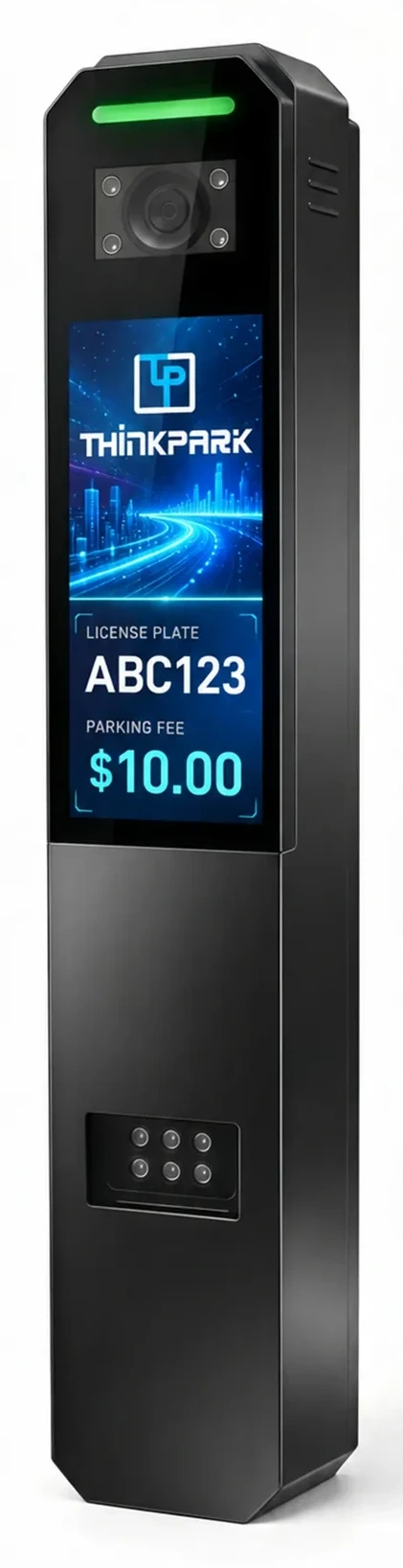
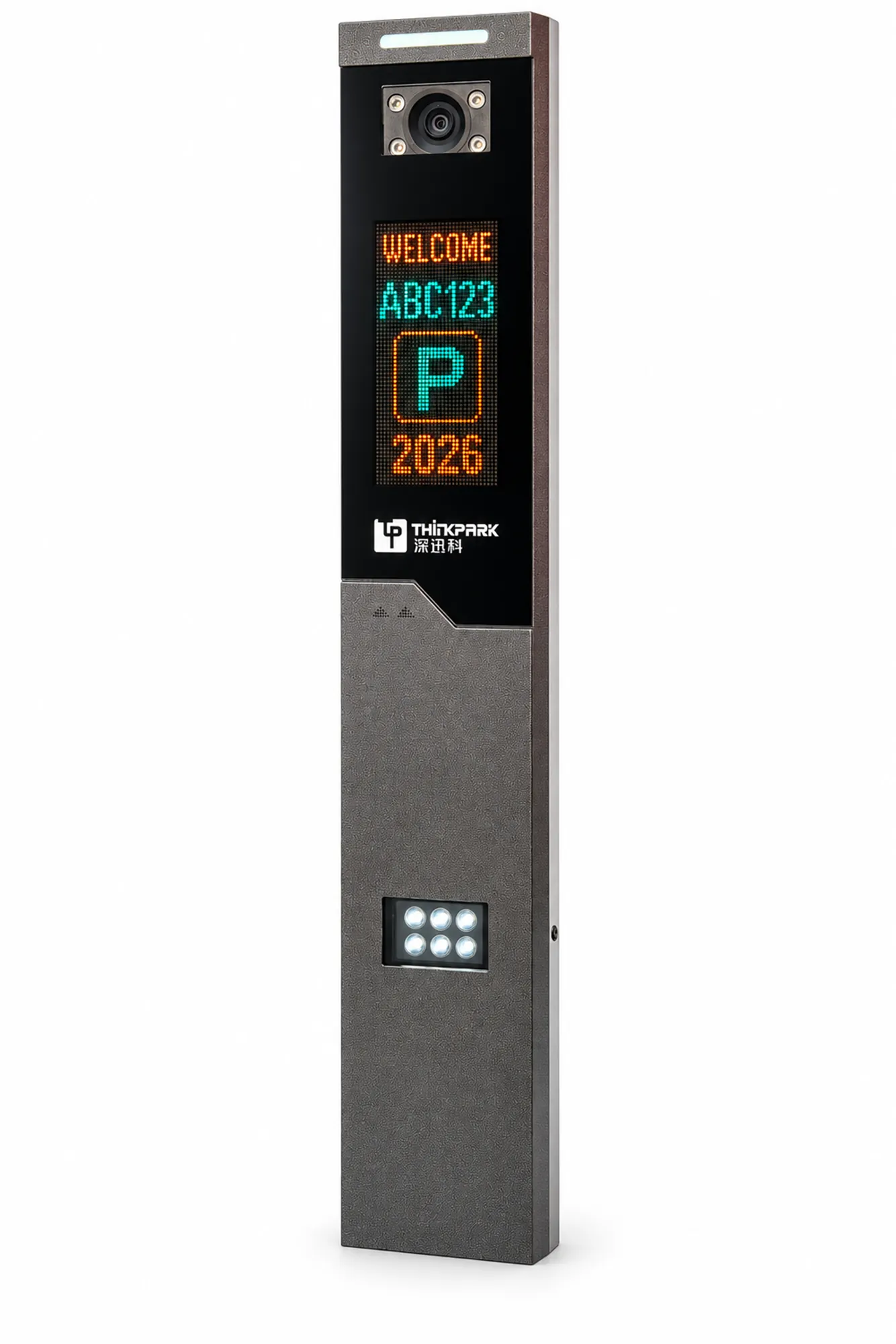
Display options
The SXK-LPR100G combines a recognition camera, voice prompts and fill lighting. Choose an LED display or an 18.5-inch LCD for the driver information you need to show.
Parking Terminal
The SXK-LPR100G combines a recognition camera, voice prompts and fill lighting. Choose an LED display or an 18.5-inch LCD for the driver information you need to show.
Installers and system integrators connecting vehicle identification to parking access.
The SXK-LPR100G combines a recognition camera, voice prompts and fill lighting. Choose an LED display or an 18.5-inch LCD for the driver information you need to show.
Use the size drawing to check the cabinet position before you lay out the barrier and the vehicle stop point. Tell us which display and parking software you plan to use.
Select the LED display or 18.5-inch LCD before finalising the lane. The information shown must match the parking platform and display configuration.
The camera, fill lighting and voice prompts share the terminal position. Check the approach angle and driver stopping point against the cabinet drawing.
Camera, power and environmental values follow the ordered configuration. Confirm local plate support before ordering.
Functional sequence for configuration planning. Use the approved project drawing for physical wiring and installation.
Send these details with your enquiry so we can review the equipment and configuration.
Details for equipment review and installation planning.
Technical reference: datasheet p. 4.
Review the dimensions and installation clearances. Select a drawing to enlarge it.
Match the equipment to the site, the users and the access workflow.
Define staff permissions, visitor handling and the operator intervention process. Confirm plate support and the selected parking platform.
Application illustrationSet the entrance, payment and exit workflow before specifying the terminal. Fees and displayed messages depend on the platform configuration.
Application illustrationReview resident and visitor access against the approach lane. Confirm the camera position and driver stopping point.
Application illustrationProduct documents for your technical review.
Product functions, specifications and configuration scope.
Questions about selection, integration and installation.
The SXK-LPR100G combines a recognition camera, voice prompts and fill lighting. Choose an LED display or an 18.5-inch LCD for the driver information you need to show.
Plate support depends on the selected camera and algorithm. Send the installation country and plate requirements for configuration review.
Send the software name and interface documentation. We review the equipment connection and the information the platform must send to the terminal.
Payment and charging behaviour depend on the selected parking platform and peripherals. Confirm the complete workflow before ordering.
Use the size drawing to check the cabinet position before you lay out the barrier and the vehicle stop point. Tell us which display and parking software you plan to use.
We provide remote video technical guidance, installation videos, wiring diagrams and installation instructions. For large projects, an engineer can provide on-site technical guidance.
Send the model, quantity and installation requirements. Include your layout or controller details where relevant.
Replies within 2 hours during Beijing business hours.