Red and green arm indication
The LEDS strip uses an orientation sensor to show red with the arm horizontal and green with the arm vertical. Its light sensor activates illumination in dark surroundings.
Barrier Arm LED Strips
The LEDS strip uses an orientation sensor to show red with the arm horizontal and green with the arm vertical. Its light sensor activates illumination in dark surroundings.
Parking installers and integrators presenting driver messages and lane indications.
The LEDS strip uses an orientation sensor to show red with the arm horizontal and green with the arm vertical. Its light sensor activates illumination in dark surroundings.
The datasheet covers the LEDS030, LEDS045 and LEDS060 versions and a 12 V DC supply. Send the boom profile and required illuminated length to select the version.
The orientation sensor shows red with the arm horizontal and green with it vertical. The light sensor activates illumination in dark surroundings.
LEDS030, LEDS045 and LEDS060 cover different illuminated lengths. Confirm the boom profile and 12 V DC supply before selecting the strip.
Match the supply, mounting and signal logic to the selected unit. Confirm the complete indication sequence with the actual lane controller.
Functional sequence for configuration planning. Use the approved project drawing for physical wiring and installation.
Send these details with your enquiry so we can review the equipment and configuration.
Details for equipment review and installation planning.
Technical reference: datasheet p. 2.
Match the equipment to the site, the users and the access workflow.
Position the display or signal where approaching drivers can see it. Confirm the message, state and stopping point.
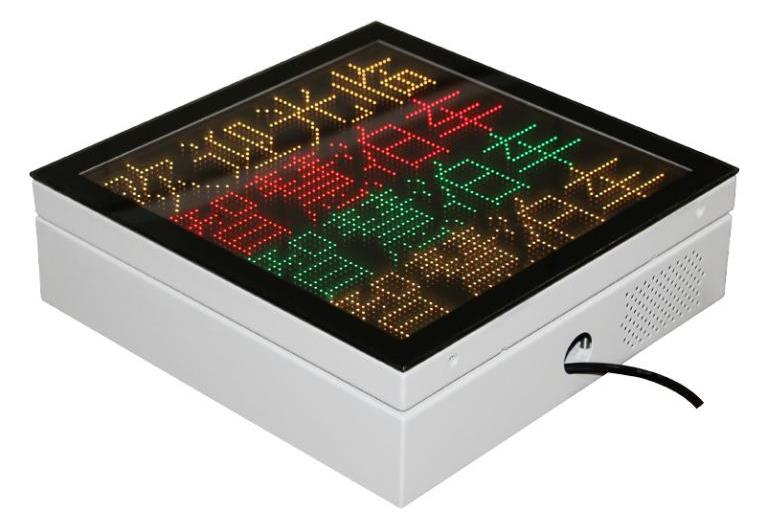
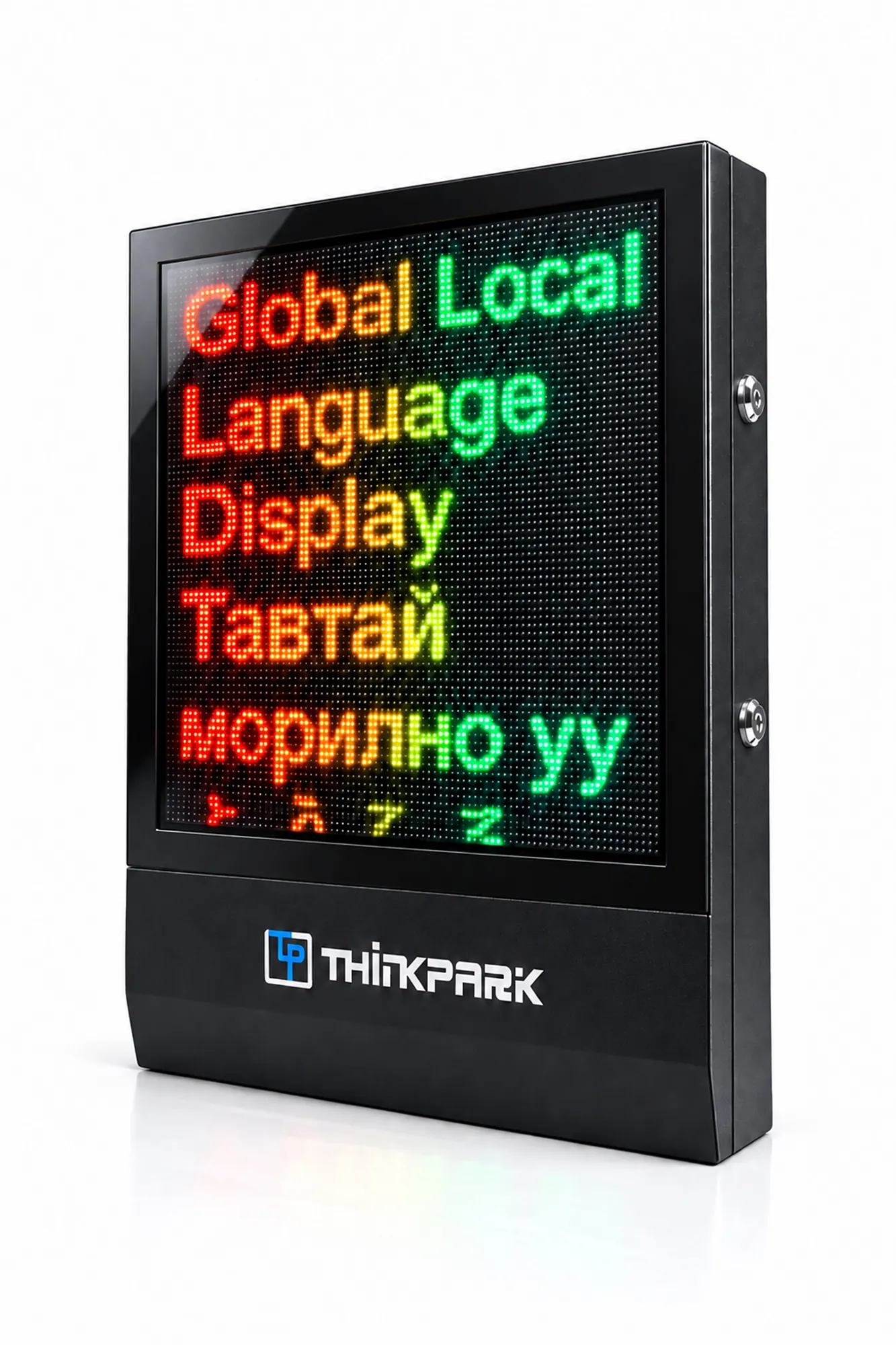
Parking lane display illustration; display type, messages and equipment layout vary by project.Coordinate fee, permission or lane-state information with the parking workflow. Check which system supplies the content.
Project planning exampleMatch the electrical or network interface to the controller. Test the configured messages and states before handover.
Project planning exampleProduct documents for your technical review.
Product functions, specifications and configuration scope.
Questions about selection, integration and installation.
The LEDS strip uses an orientation sensor to show red with the arm horizontal and green with the arm vertical. Its light sensor activates illumination in dark surroundings.
Confirm the selected unit and its control arrangement. Traffic signals, pole light bars and orientation-sensing strips use different connections and logic.
Specify the required message, language, mounting and electrical arrangement. Available configuration depends on the selected model.
Verify driver visibility, mounting clearance and the complete message or signal sequence. Test the unit with its actual controller connection.
The datasheet covers the LEDS030, LEDS045 and LEDS060 versions and a 12 V DC supply. Send the boom profile and required illuminated length to select the version.
We provide remote video technical guidance, installation videos, wiring diagrams and installation instructions. For large projects, an engineer can provide on-site technical guidance.
Send the model, quantity and installation requirements. Include your layout or controller details where relevant.
Replies within 2 hours during Beijing business hours.